Back to all blogs
Learn how to prevent remote desktop cheating in interviews and detect AI-assisted responses using privacy-first interview integrity signals.

Abhishek Kaushik
Feb 17, 2026
With remote hiring now the norm for many companies worldwide, ensuring integrity in virtual interviews has become a major challenge.
Studies show that a significant portion of recruiters suspect cheating or fraud in remote interviews, with tactics ranging from off-camera assistance to hidden software and proxy interviewers.
According to a survey reported by hiring professionals, about 71% of job seekers admitted to cheating during the hiring process and many find it more difficult to detect dishonesty in virtual settings compared to in-person conversations.
In this guide, we’ll dive into proven ways to prevent remote desktop cheating, safeguard your hiring process, and ensure interview integrity. Whether you’re a recruiter, HR leader, or tech hiring manager, these strategies will help you spot cheaters early and hire with confidence.
What is Remote Desktop Cheating?
Remote desktop cheating happens when a candidate gets outside help during a remote interview without the interviewer knowing. This can include using remote access tools, screen-sharing software, or another person assisting them off-camera. In some cases, someone else may even control the candidate’s screen or feed them answers in real time.
How Candidates Do It
Common methods include:
Using remote desktop or screen-sharing tools to let someone else view or control their screen
Getting help from AI tools, chat apps, or second devices (like another laptop or phone)
Having a hidden person nearby who suggests answers during the interview
These methods are hard to notice because standard video tools only show what’s on camera, not what’s happening on the candidate’s device.
Why This Is a Serious Risk
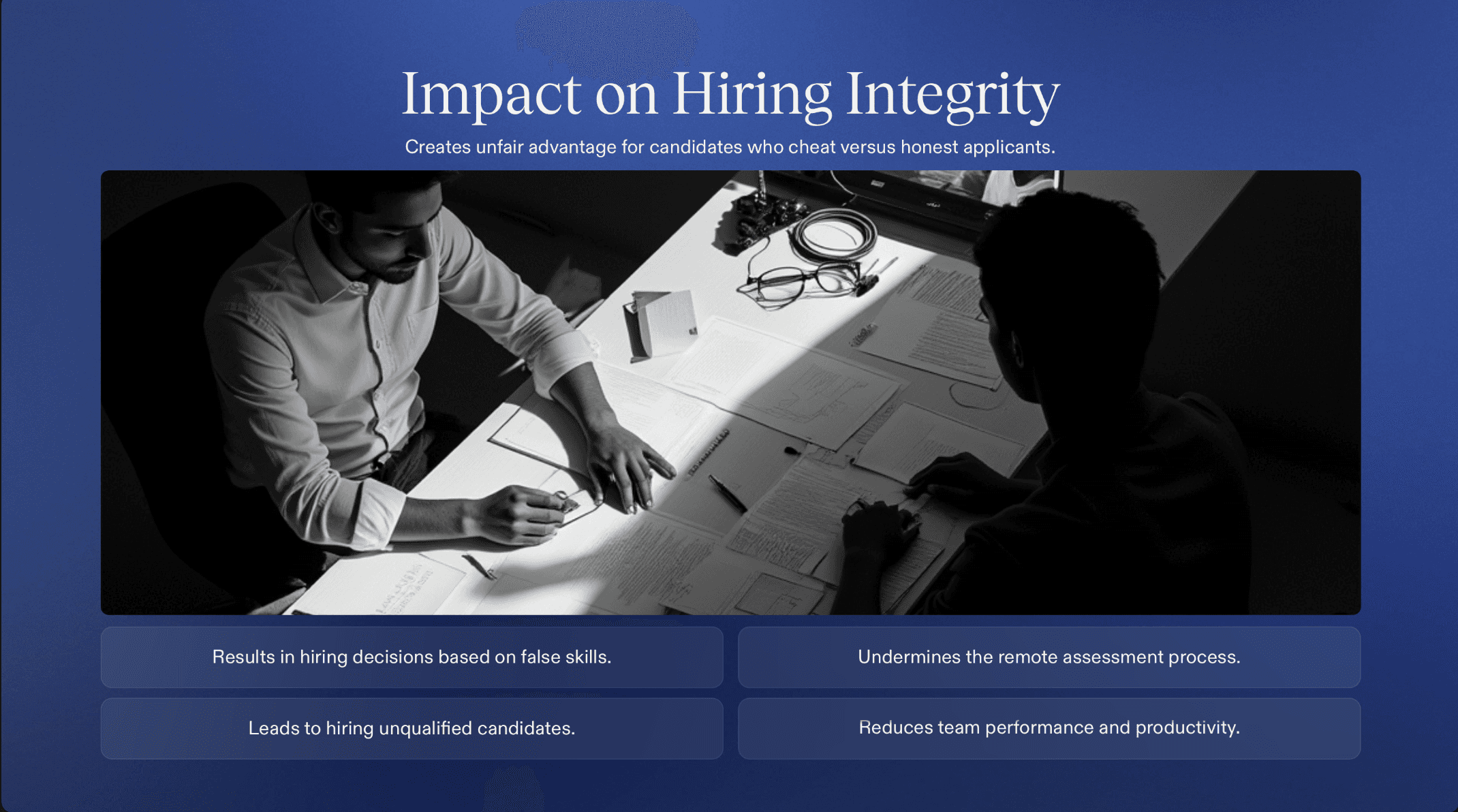
Remote desktop cheating breaks the purpose of an interview: understanding a candidate’s real skills. This is especially risky in technical and coding interviews, where problem-solving ability matters more than memorized answers. When cheating goes undetected, companies may hire candidates who can’t actually perform on the job, leading to poor hires, wasted time, and team frustration.
Common Signs of Suspicious Activity
While no single sign proves cheating, patterns can raise concern:
Unusual typing or response timing: Long pauses followed by perfect answers, or typing that doesn’t match the complexity of the response.
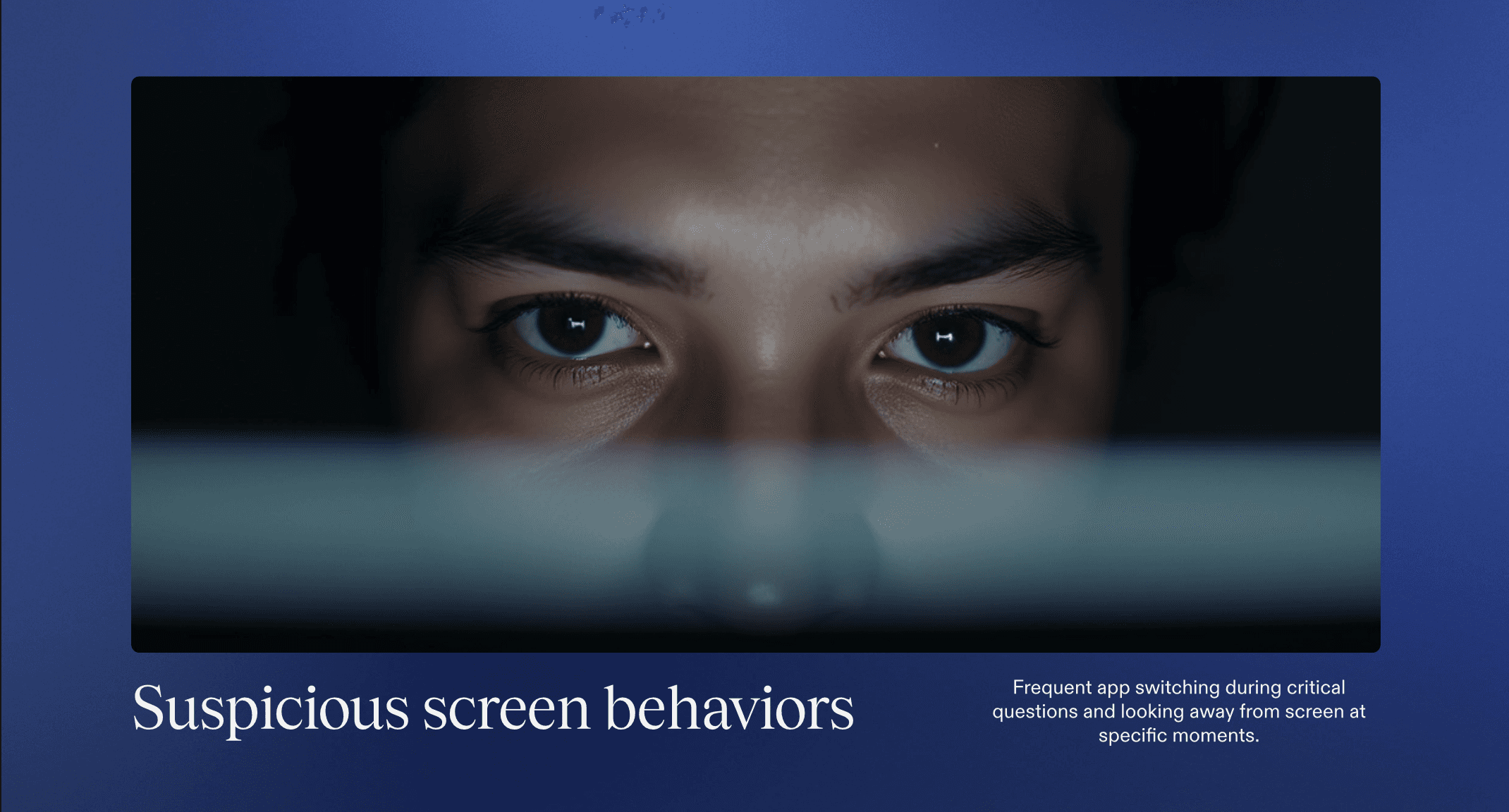
Unexpected app or screen switching: The candidate frequently looks away, minimizes screens, or reacts slowly when asked to explain their steps.
Background noise or multiple voices: Echoes, whispers, or interruptions that suggest someone else may be present or assisting.
Recognizing these signs helps interviewers know when to probe deeper or verify skills more carefully.
Read more: Top Behavioral Signs of Cheating During Remote Interviews
How to Prevent Remote Desktop Cheating in Interviews
Preventing cheating in remote interviews doesn’t mean turning interviews into surveillance. The goal is to design interviews that make cheating difficult and real skills easy to see.
1. Ask Candidates to Explain Their Thinking
Instead of focusing only on final answers, ask candidates to talk through their approach while solving a problem.
Ask why they chose a solution, not just what the solution is
Change the problem slightly mid-way and watch how they adapt
This makes outside help much harder to use in real time.
2. Use Live, Interactive Tasks
Static questions are easy to outsource. Live tasks are not.
Pair programming or shared problem-solving sessions
Real-time debugging or code walkthroughs
Short exercises that require quick decisions
These formats reveal how a candidate actually thinks and reacts.
3. Limit Screen Dependence
Don’t rely only on screen sharing.
Ask candidates to explain code verbally before writing it
Pause screen sharing and ask follow-up questions
Request candidates to walk through previous work or decisions
This reduces the value of remote desktop tools or hidden helpers.
4. Watch for Consistency Across the Interview
Cheating often creates gaps between confidence and understanding.
Strong answers followed by weak explanations
Perfect solutions but poor reasoning
Inconsistent skill levels within the same interview
Consistency checks help identify when help may be involved.
5. Use Structured, Multi-Stage Interviews
Spread evaluation across multiple short rounds instead of one long session.
Different interviewers
Different question styles
Different skill areas
It becomes much harder to maintain external help across stages.
6. Set Clear Expectations Upfront
Simply stating rules reduces misuse.
Inform candidates that external help is not allowed
Explain that interviews focus on process, not perfect answers
Clear boundaries discourage dishonest behavior early.
7. Rely on Signals, Not Surveillance
Instead of monitoring devices or recording screens, focus on interview-level signals:
Response timing
Explanation quality
Behavioral consistency
This keeps the process fair, respectful, and privacy-friendly.
In the end, preventing remote desktop cheating comes down to smarter interview design, not stricter monitoring. But as hiring scales, subtle integrity signals are easy for interviewers to miss.
Sherlock AI: The Solution to Remote Desktop Cheating
When traditional interview formats struggle to spot hidden help or external assistance, Sherlock AI provides a modern way to protect interview integrity without intrusive surveillance.

How Sherlock AI works:
Multimodal analysis: Instead of simple triggers, Sherlock AI combines signals from device activity, audio cues, and candidate behavior to spot patterns that suggest cheating or real-time assistance.
Pattern-based detection: Rather than flagging isolated actions (like a pause or glance away), the AI looks at behavior over time and in context to reduce false positives.
Human-in-the-loop: Insights are provided to interviewers to support their judgment, the tool does not make final hiring decisions on its own.
Why it helps with remote desktop cheating:
Detects unusual interaction patterns that might indicate external help or screen sharing.
Works during live interviews, giving real-time commentary so interviewers can stay focused on evaluating skills.
Balances integrity checks with a privacy-first design, avoiding heavy data collection or invasive monitoring.
By combining smart behavioral insights with real-time support, Sherlock AI adds a practical layer of interview integrity protection making remote hiring fairer, more reliable, and easier to scale.