Back to all blogs
How to detect screen sharing fraud in remote interviews and ensure fair hiring with AI monitoring, environment scans, and behavioral insights and how Sherlock AI helps.

Abhishek Kaushik
Feb 6, 2026
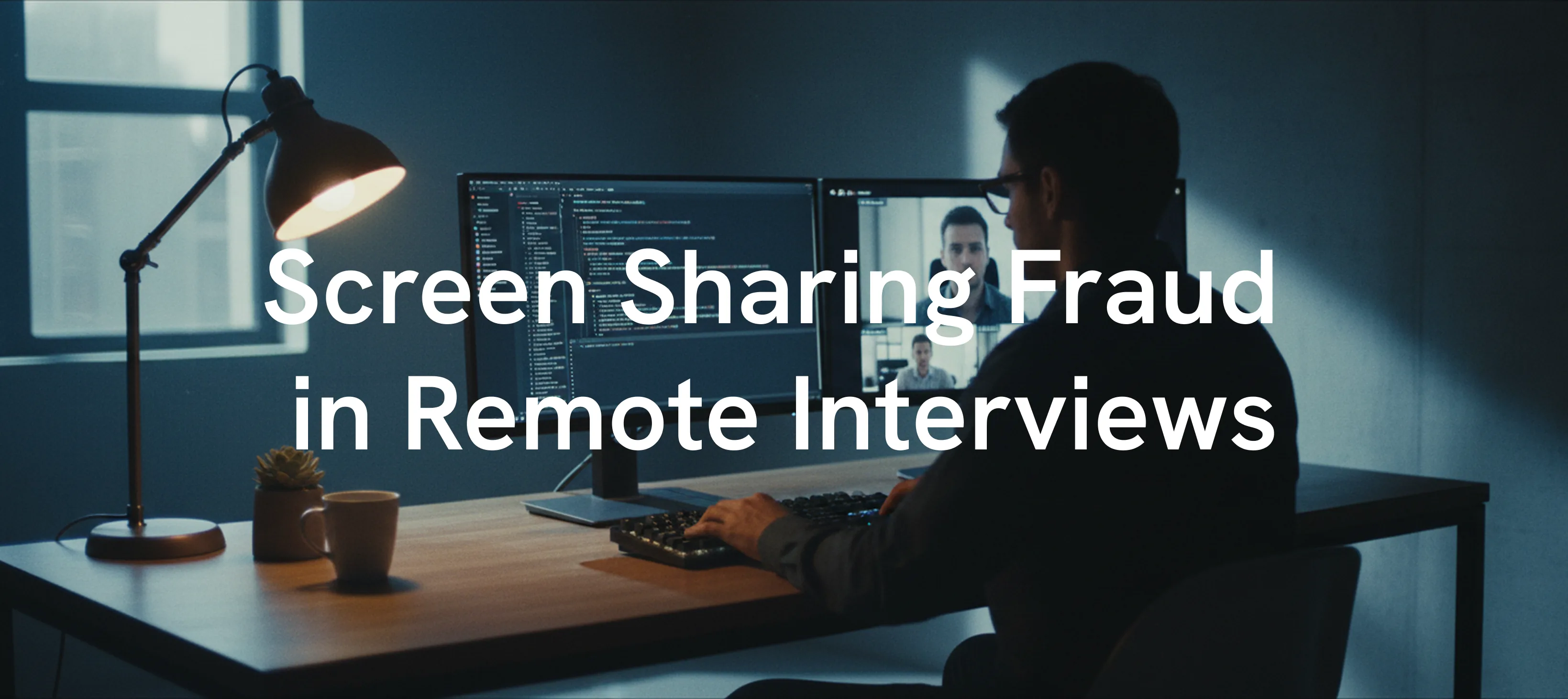
Remote interviews have become a standard part of modern hiring. While this shift has expanded access to global talent, it has also introduced new forms of interview fraud that are harder to detect. One of the most concerning risks today is screen sharing fraud, where candidates secretly rely on unauthorized tools or third party assistance while appearing compliant on camera. About 20 % of professionals surveyed admitted to secretly using AI tools during job interviews
Detecting screen sharing fraud, where candidates use unauthorized, AI powered tools or receive real time assistance through hidden applications, requires a careful mix of active, high touch interviewing techniques and specialized proctoring software. As remote hiring becomes standard, fraudulent behavior has also become increasingly sophisticated.
Candidates may use invisible AI overlays, remote desktop tools such as AnyDesk, or second screen setups that allow real time monitoring and answer delivery. These methods are intentionally designed to bypass basic screen sharing checks, making traditional video interviews insufficient for verifying authenticity.
To address this challenge, hiring teams must move beyond surface level evaluation and adopt structured detection methods supported by intelligent platforms like Sherlock AI.
What Is Screen Sharing Fraud in Remote Interviews
Screen sharing fraud occurs when candidates misuse remote interview settings to gain unfair assistance. This often includes:
1. AI answer generation on hidden screens
Candidates pause before responding, deliver highly structured or generic answers, and struggle when asked to explain their reasoning or provide personal context.
2. Real time coaching through chat or audio devices
Candidates appear to listen before answering, react to unheard prompts, or show delayed responses to follow up questions, especially when the conversation shifts unexpectedly.
3. Remote desktop access using tools like AnyDesk or TeamViewer
Cursor movement and typing speed appear unnatural, solutions appear suddenly without visible problem solving, and candidates have difficulty explaining actions taken during live tasks.
Because many interview platforms only require sharing a single application window, candidates can easily hide unauthorized tools outside the visible area.
Why Screen Sharing Fraud Is Increasing
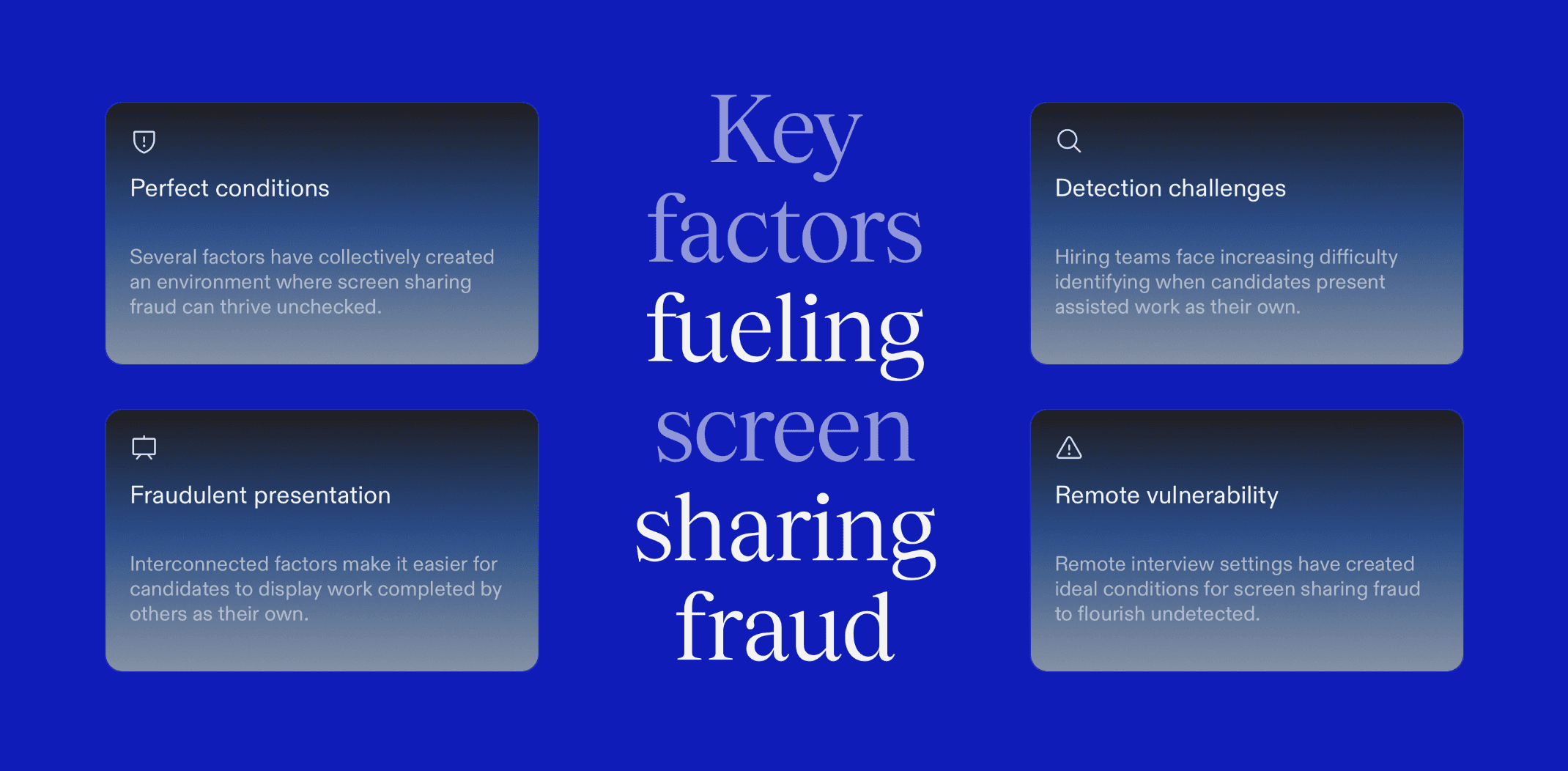
Several interconnected factors have contributed to the rapid rise of screen sharing fraud in remote interviews. Together, they create an environment where assisted performance is easier to execute and harder to detect.
Widespread availability of real time AI assistants
Increased reliance on remote and virtual hiring models
Limited visibility into a candidate’s full digital environment
Growing pressure on candidates to perform flawlessly
These conditions make it difficult for recruiters to distinguish authentic skill from assisted performance.
How to Detect Screen Sharing Fraud in Interviews
The following approaches help recruiters identify screen sharing fraud in remote interviews.
1. Common Red Flags of Screen Sharing Fraud
Unnatural pauses and delayed responses
Candidates consistently take extra time to answer even simple questions, suggesting they may be reading AI generated content or waiting for external prompts.
Example: A candidate pauses for several seconds before answering a basic question about their own resume.Shifty eye movement and screen focus drift
Frequent glances away from the camera toward a fixed direction may indicate the use of a second screen or hidden notes.
Example: The candidate repeatedly looks to the same side before responding to technical questions.Overly polished or robotic answers
Responses sound highly structured or use advanced terminology that does not match the candidate’s natural speaking style.
Example: A junior candidate delivers a textbook perfect explanation but cannot simplify it when asked.Audio and visual inconsistencies
Background whispers, echoes, or slight lip sync mismatches can indicate third party involvement or audio relays.
Example: The candidate appears to listen before answering, despite no question being repeated.Unnatural cursor and typing behavior
Sudden text appearance, extremely fast typing, or erratic cursor movement may suggest copy paste actions or remote control input.
Example: Large blocks of code appear instantly without visible typing.
2. Technical and Procedural Controls to Detect Screen Sharing Fraud
Require full desktop screen sharing
Asking candidates to share their entire desktop increases visibility into hidden applications and unauthorized tools.
Example: A messaging app or AI tool becomes visible when the candidate switches windows.Request a 360 degree environment scan
A brief webcam scan of the workspace helps identify secondary devices or hidden screens.
Example: A second phone is visible near the keyboard during the scan.Use proctored interview platforms
Platforms like Sherlock AI monitor behavior, detect anomalies, and prevent tampering during interviews.
Example: Behavioral alerts flag inconsistent response patterns during technical questions.Watch for secondary devices
Earbuds, smartwatches, and discreet headsets can be used to receive real time instructions.
Example: The candidate touches an earbud before responding to follow up questions.
3. Interview Techniques to Expose AI or Third Party Assistance
Ask candidates to show their work
Requiring real time explanation of thought processes makes assisted responses harder to sustain.
Example: The candidate struggles to explain how they arrived at a solution they just presented.Use contextual follow up questions
Personal experience based questions expose memorized or fabricated answers.
Example: The candidate cannot describe a real situation related to a polished response.Reframe questions instantly
Changing the framing forces candidates to demonstrate genuine understanding.
Example: The candidate fails to explain the same concept using a different example.Validate human presence when necessary
Simple real time gestures help confirm the interviewee is not using visual manipulation.
Example: The candidate hesitates when asked to perform a spontaneous gesture on camera.
4. Behavioral and Environmental Monitoring Signals
Monitor on screen software
Unexpected transcription tools or floating interfaces can indicate AI assistance.
Example: A transcription overlay appears briefly when the candidate switches tabs.Observe behavioral shifts
Sudden changes in confidence or response style can signal external help.
Example: The candidate becomes noticeably slower after unexpected follow up questions.
Read more: How to Detect and Prevent Parakeet AI in Interviews
How Sherlock AI Helps Detect Screen Sharing Fraud
Sherlock AI is purpose-built to protect the integrity of remote interviews by combining behavioral intelligence, environment verification, and AI powered monitoring. It provides recruiters with a comprehensive view of candidate activity, detecting hidden assistance while keeping the interview experience seamless and professional.
Key ways Sherlock AI strengthens your hiring process include:
1. Detect unauthorized screen activity and AI overlays
Sherlock AI monitors full desktop activity, identifying hidden applications, AI tools, or remote access software that could compromise interview authenticity.
2. Identify behavioral anomalies linked to assisted responses
Advanced behavioral analysis flags inconsistencies such as unnatural pauses, robotic speech patterns, or sudden shifts in confidence that may indicate external help.
3. Verify candidate environment in real time
360 degree environment scans and secondary device detection ensure candidates are not using hidden devices or receiving offscreen assistance.
4. Maintain fairness and candidate trust
Sherlock AI ensures compliance and transparency by monitoring in the background without interfering with the candidate experience.
5. Reduce costly mis hires caused by interview fraud
By confirming that the skills and knowledge demonstrated during interviews are authentic, organizations avoid the financial and operational risks of hiring unqualified candidates.
6. Data-driven insights for smarter hiring decisions
Sherlock AI provides recruiters with reports and analytics on candidate performance and behavior, making it easier to compare live interview results with take-home assessments or past interviews.
7. Integrates seamlessly with existing platforms
Sherlock AI works with common video conferencing and interview platforms, adding advanced monitoring without disrupting your current workflow.
Final Thoughts
Screen sharing fraud is no longer an isolated issue. It is a growing challenge that impacts hiring quality, organizational credibility, and team productivity. Detecting it requires a careful balance of human judgment, structured interview techniques, and advanced monitoring technology.
Platforms like Sherlock AI play a crucial role in this process. By combining AI driven detection, behavioral insights, and environment verification, Sherlock AI ensures that interviews remain a true reflection of a candidate’s skills, experience, and decision making ability.
With Sherlock AI, organizations can confidently identify and prevent screen sharing fraud, maintain fair hiring practices, and protect the integrity of their recruitment process.