Back to all blogs
How to detect cheating in a Microsoft Teams interview through behavioral red flags, device activity monitoring, and AI generated answer detection.

Abhishek Kaushik
Jan 30, 2026
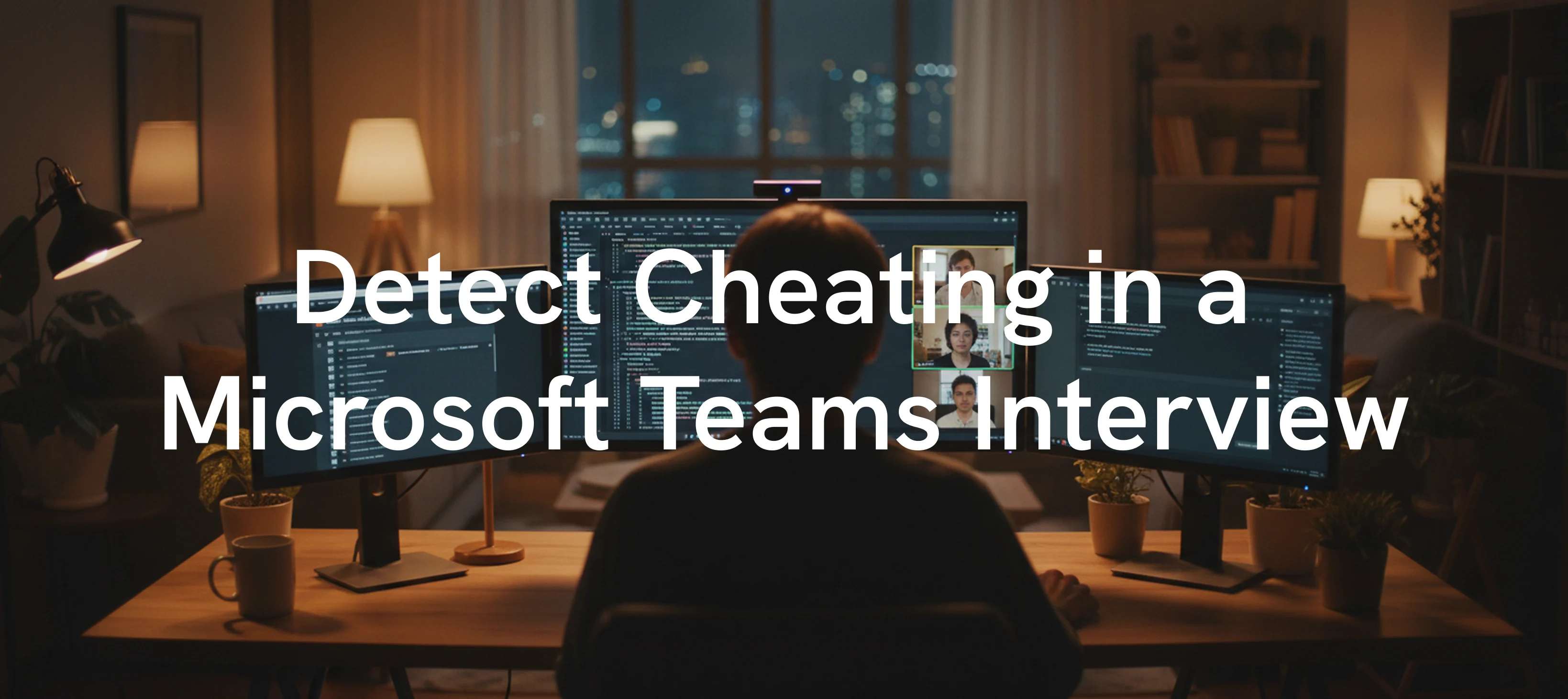
Remote interviews on Microsoft Teams have become a standard part of modern hiring. While Teams offers convenience and scalability, it also introduces a serious challenge for recruiters and hiring managers. Interview cheating has increased due to AI tools, second devices, and real time assistance. Since Microsoft Teams does not include built in proctoring or fraud detection, organizations must rely on observation, structured interview techniques, and advanced AI based proctoring solutions. 20 percent of professionals admit to secretly using AI tools during job interviews, and over half believe AI assistance in interviews has become the new norm.
This guide explains how to detect cheating in a Microsoft Teams interview, covering behavioral red flags, technical detection methods, and best practices, along with how platforms like Sherlock AI help organizations secure high stakes interviews.
Can Microsoft Teams Detect Cheating?
Microsoft Teams cannot directly detect cheating during interviews. It does not track tab switching, screen activity, hidden devices, or AI generated answers. Teams only provides video conferencing features like webcam, microphone, and screen sharing, which means interviewers must rely on external tools and manual detection techniques.
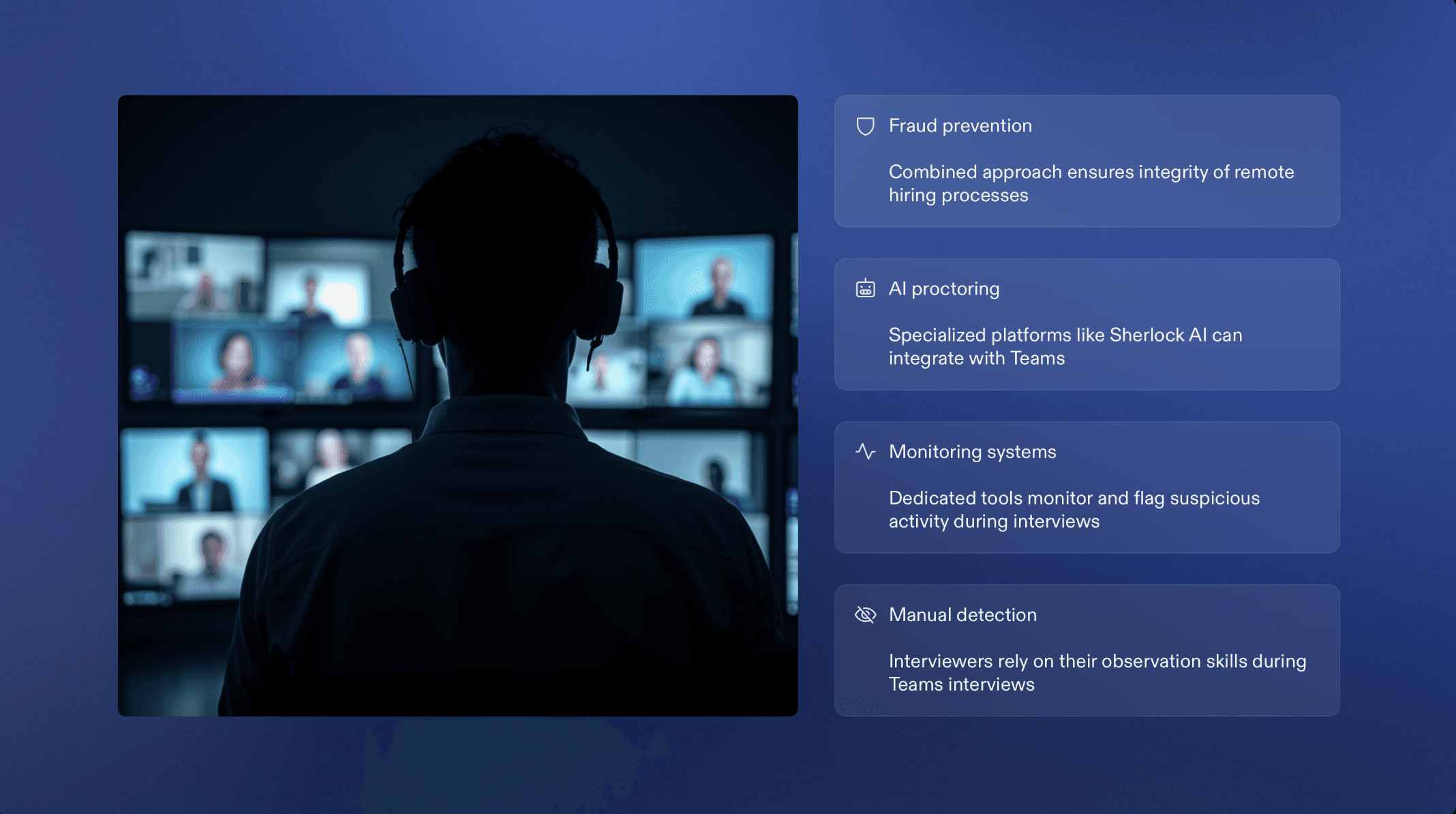
To effectively prevent interview fraud, companies combine interviewer awareness with specialized AI proctoring platforms such as Sherlock AI, which integrate alongside Teams to monitor suspicious activity.
How to Detect Cheating in a Microsoft Teams Interview Using Behavioral Red Flags
Behavioral signals are often the first indicators of interview fraud in Microsoft Teams interviews. Since the platform does not provide built in proctoring, interviewers must rely on careful observation of how candidates think, respond, and behave in real time. When combined with structured questioning, these cues can quickly reveal whether answers are genuine or externally assisted.
1. Unnatural Pauses
Long or inconsistent delays before answering simple or direct questions often suggest that the candidate is reading from notes, copy pasting responses, or waiting for help from an AI tool or another person.
2. Shifty Eye Movement
Frequent glances away from the camera, repeated focus on one side of the screen, or sudden eye movements usually indicate reading from a second monitor, phone, or written notes placed off screen.
3. Audio Issues
Echoes, whispers, delayed responses, or changes in voice clarity can signal hidden earbuds, real time coaching, or external voices feeding answers. Lip movement that does not perfectly match audio is another warning sign.
4. Suspicious Background Behavior
Static virtual backgrounds, sudden lighting changes, or awkward camera angles can be used to hide notes, devices, or another person in the room. A lack of natural movement in the environment can also be intentional.
5. Generic or Overly Perfect Answers
Answers that sound polished but lack personal stories, practical examples, or role specific context are often AI generated or memorized. Genuine candidates typically show variation in tone and depth when explaining real experiences.
6. Typing Bursts
Rapid typing followed by silence and then a spoken response strongly indicates searching online or prompting an AI tool before answering. This pattern becomes more obvious during technical or problem solving questions.
7. Difficulty With Follow Up Questions
Candidates who rely on external assistance often struggle when asked to explain their reasoning, walk through steps, or respond to unexpected follow up questions. Hesitation or vague answers are common.
8. Robotic Tone or Repetitive Phrasing
AI assisted answers may follow predictable sentence structures or repeat similar phrases across different questions. A lack of natural pauses, emotion, or conversational flow can be a clear indicator.
Technical Detection Methods for Microsoft Teams Interviews
Microsoft Teams does not provide built in tools to monitor candidate activity during interviews. To prevent cheating and ensure interview integrity, organizations rely on AI powered proctoring solutions such as Sherlock AI. These tools work alongside Teams to detect suspicious behavior that cannot be identified through video alone.
1. On Device Activity Monitoring
AI proctoring platforms monitor what happens on the candidate’s device during the interview.
What it detects:
Tab switching during active questions
Opening new applications such as browsers, IDEs, or messaging apps
Accessing files, PDFs, or notes during the interview
Example:
If a candidate repeatedly switches from Microsoft Teams to a browser right after a question is asked, the system flags this behavior as a potential search or AI prompt attempt.
2. Audio Analysis
Advanced audio models continuously analyze sound patterns throughout the interview.
What it detects:
Multiple voices in the background
Whispering or low volume speech not matching the visible speaker
Delayed audio responses that suggest external coaching
Example:
A candidate pauses, then answers while faint background speech is detected. Even if the interviewer cannot hear it clearly, the system flags the presence of another voice.
3. Eye Tracking and Gaze Monitoring
AI systems track eye movement and gaze direction to detect off screen activity.
What it detects:
Repeated eye movement toward a second monitor or phone
Reading patterns that indicate scanning text
Lack of eye contact during complex answers
Example:
During a coding question, the candidate consistently looks down and to the side before answering, indicating they may be reading prepared content.
4. Environment Scanning
Candidates may be asked to briefly scan their surroundings using their webcam.
What it detects:
Presence of additional people in the room
Secondary devices such as phones, tablets, or laptops
Suspicious movement or reflections indicating hidden screens
Example:
A reflection in a glass surface reveals a second monitor not previously visible, triggering a risk alert.
5. AI Generated Answer Detection
Sherlock AI analyzes how responses are formed rather than just what is said.
What it detects:
Overly structured or generic sentence patterns
Inconsistent response timing compared to question difficulty
Repetitive phrasing across different answers
Example:
A candidate answers complex questions with immediate, perfectly structured responses but struggles with simple follow ups, suggesting AI assistance.
6. IP Tracking and Device Fingerprinting
Technical fingerprinting ensures the interview is conducted securely.
What it detects:
Multiple devices accessing the interview session
Sudden IP address changes during the interview
Remote access tools or screen mirroring attempts
Example:
If the system detects a location change mid interview or a second device connected to the same session, it flags a possible proxy or remote helper.
Explore More: Top Deepfake Tools Fraudsters Are Using in 2026
What Makes Sherlock AI Different for Microsoft Teams Interviews
Instead of treating interviews like tests, Sherlock AI analyzes real human behavior, conversation flow, and response authenticity. It focuses on how answers are produced, not just what is said.
Core Interview Focused Capabilities of Sherlock AI
1. Real Time Interview Integrity Layer
Sherlock AI operates silently alongside Microsoft Teams during live interviews.
How it helps interviewers:
Monitors the interview as it happens
Detects suspicious behavior at the moment it occurs
Allows interviewers to probe deeper when risk signals appear
Why it matters:
Recruiters do not need to review recordings blindly after the interview. Integrity insights are available when they are most useful.
2. Behavioral Intelligence Built for Conversations
Sherlock AI evaluates candidate behavior in a conversational setting rather than a testing environment.
Signals analyzed:
Delays between question and response
Changes in confidence across follow ups
Lack of natural reasoning or explanation
Interview advantage:
This helps identify candidates who rely on AI generated answers but struggle with spontaneous discussion.
3. Live Gaze and Attention Tracking
Sherlock AI observes where a candidate’s attention is focused during the interview.
What it identifies:
Repeated off screen reading
Attention shifts during technical questions
Visual disengagement during explanation heavy answers
Interview advantage:
Off screen dependency becomes visible even when the candidate maintains a confident tone.
4. Voice Behavior and External Assistance Detection
Sherlock AI continuously analyzes audio signals.
What it uncovers:
Presence of additional voices
Whispered guidance through hidden earbuds
Delayed or coached responses
Interview advantage:
External help that is impossible to detect manually is flagged automatically.
5. AI Assisted Answer Recognition
Sherlock AI recognizes patterns commonly associated with real time AI assistance.
What it looks for:
Over structured or generic phrasing
Immediate responses to complex questions
Repetitive explanation styles across unrelated topics
Interview advantage:
Recruiters can distinguish genuine expertise from AI generated fluency.
6. Interview Specific Risk Scoring and Insights
Instead of raw data, Sherlock AI delivers decision ready insights.
What recruiters receive:
Clear interview risk indicators
Highlighted moments that require review
A concise integrity summary after the interview
Interview advantage:
Hiring decisions are supported by evidence, not instinct.
Why Sherlock AI Fits Perfectly With Microsoft Teams
Works alongside existing Teams workflows
Requires no platform switch for candidates
Preserves a natural interview experience
This makes Sherlock AI ideal for organizations that rely on Microsoft Teams for serious, high impact hiring.

Final Thoughts
Detecting cheating in Microsoft Teams interviews requires a layered approach. Behavioral observation alone is no longer enough. With AI tools becoming more accessible, organizations must combine interviewer expertise with advanced proctoring platforms.
By using Sherlock AI, recruiters gain the visibility and confidence needed to identify genuine talent, reduce hiring fraud, and make fair, accurate decisions in remote interviews.