Back to all blogs
Learn how to detect second-device cheating in interviews, including hidden phones, AI on mobile, and external help, with practical signals and solutions.

Abhishek Kaushik
Feb 6, 2026
Remote interviewing has rapidly become the norm in today’s hiring processes, but it has also opened the door to new forms of candidate misuse, including second-device cheating. The applicants use unauthorized smartphones, tablets, or other hardware to access real-time help during live interviews.
A recent The Atlantic article highlights a viral TikTok-style clip showing a candidate using a phone with AI assistance during a live interview beside her laptop during a live interview. This just shows how seamless second-device cheating can be.
It makes it clear that recruiters need more than gut instinct to protect their hiring pipelines. In this guide, we’ll walk through what second-device cheating looks like, the signals that reveal it, and practical steps recruiters can take to detect and prevent it effectively.
What Second-Device Cheating Really Looks Like in Modern Interviews
Recruiters often underestimate how subtle and widespread second-device cheating has become. Candidates no longer rely solely on tab switching or searching for answers on their computer, they are increasingly using phones, tablets, smartwatches, or an additional laptop to gain an edge during live interviews.
What Second-Device Cheating Is
Second-device cheating occurs when candidates use a hidden or secondary device to access unauthorized information or AI-generated assistance in real time. Examples include:
A smartphone running an AI tool that listens to the interviewer and displays suggested answers
Messaging apps or chat tools feeding answers from a remote helper
Smartwatches or small tablets giving subtle cues
This makes the candidate’s answers appear more confident, faster, or technically superior than their natural knowledge or resume indicates.
Common Scenarios
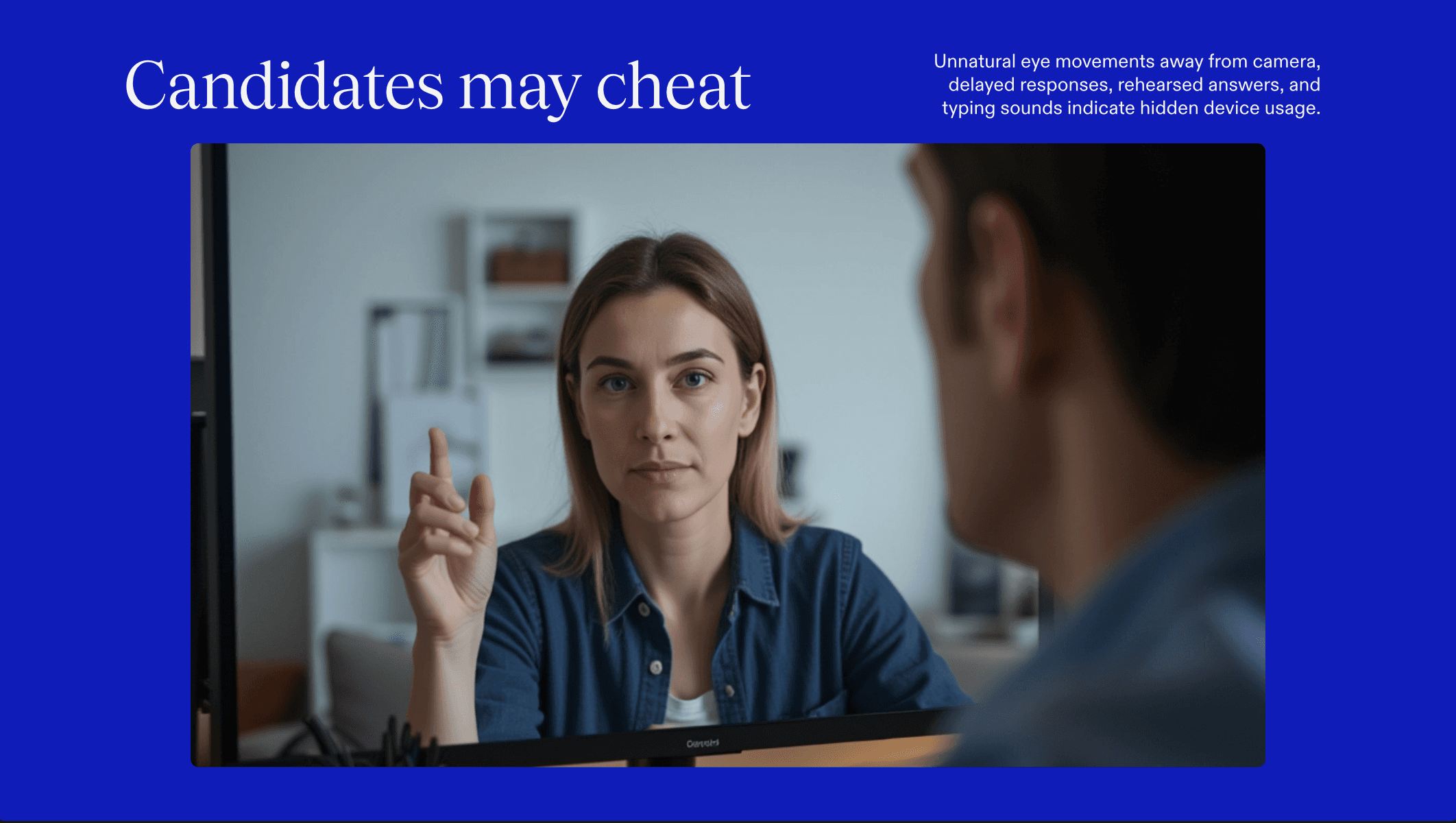
AI on mobile devices: Candidates keep a phone next to their laptop and read AI-generated responses, effectively outsourcing their answers.
Messaging or collaboration apps: Real-time instructions from friends or external sources, sometimes via encrypted apps.
Silent notifications and Bluetooth earbuds: Subtle audio cues from AI or humans that the interviewer may not notice.
How It Differs from Visible Tab-Switching or Browser Cheating
Traditional cheating methods, like browsing another tab or searching online, are easy to spot via screen sharing or proctoring software. Second-device cheating, in contrast:
Leaves no visible cues on the primary interview screen
Often goes unnoticed by conventional monitoring tools
Can be combined with AI to provide instant, polished answers
Why Second-Device Usage Is Harder to Detect in Remote Interviews
Remote and hybrid hiring environments make second-device cheating especially challenging:
Interviewers cannot physically inspect devices or screens
Eye-tracking or gaze monitoring may be inconclusive
Candidates can route audio or AI prompts through hidden devices
Behavioral cues may be subtle and easy to misinterpret
By understanding these patterns, recruiters can anticipate the types of cheating they may face and implement proactive strategies to safeguard the integrity of their hiring processes.
Signals That Reveal Second-Device Use
You may never see the second device but you will almost always see its effects. When candidates rely on a phone, tablet, or hidden laptop, their behavior, timing, and communication patterns subtly change. Recognizing these patterns is what allows interviewers to detect second-device cheating without needing physical access.
1. Repeated Downward or Sideward Glances
Candidates using phones frequently look:
Downwards toward their lap or desk
Slightly off-camera at consistent angles
Away from the screen immediately after a question is asked
These glances often occur right before an answer begins.
2. Delayed Responses After Notifications
A common pattern is:
Question asked
Brief silence
Candidate looks away
Answer begins
This pause frequently aligns with checking a phone or receiving a message or AI response.
3. Unnatural Pauses Mid-Answer
Watch for:
Sudden stops mid-sentence
Restarting an answer with different phrasing
Pauses that don’t align with thinking but with waiting
These pauses often reflect the candidate waiting for external input.
4. Shifting Focus and Engagement
Candidates using second devices may:
Appear distracted
Break eye contact frequently
Show reduced engagement when not actively answering
Their attention is split between two sources, which affects their presence.
5. Earbuds or Unusual Audio Accessories
Even when no music is playing:
Small earbuds may be feeding AI or human prompts
Candidates may adjust them repeatedly
Sound delays or muffled voice can result
6. Subtle Voice Changes
Look for:
Sudden changes in tone or pacing
Switching between conversational and overly polished speech
Speaking in bursts rather than a steady flow
This can indicate reading or repeating external prompts.
7. Muted Mic Patterns
Some candidates:
Mute briefly before answering
Unmute and deliver a complete response quickly
This behavior often signals time spent consulting a second device or AI.
8. Gaze Drift During Explanations
While explaining, candidates may:
Look repeatedly at the same off-screen point
Track something visually that isn’t on your shared screen
This often aligns with reading responses from another device.
9. Sudden Answer Improvements
Red flags include:
Dramatic performance jumps mid-interview
Weak early answers followed by near-perfect later responses
Responses that exceed what the resume or pre-screen suggested
This inconsistency often correlates with second-device activation.
10. Inconsistent Reasoning Flow
AI- or externally-fed answers may:
Jump directly to conclusions
Skip natural reasoning steps
Sound correct but lack explanation depth
Ask follow-ups like “Why?” or “How did you arrive at that?” to test this.
11. Consistent Micro-Delays After Questions
Look for:
2–5 second delays before nearly every answer
Highly uniform pauses across different question types
Faster responses on simple questions, slower on complex ones
These delays often represent the time needed to:
Read AI-generated answers
Check messages
Listen to audio prompts
Human response timing is naturally irregular. Second-device timing is not.
No single signal confirms cheating. But when multiple patterns appear together, suspicion becomes evidence-driven.
Sherlock AI: The Solution to Second-Device Cheating in Interviews
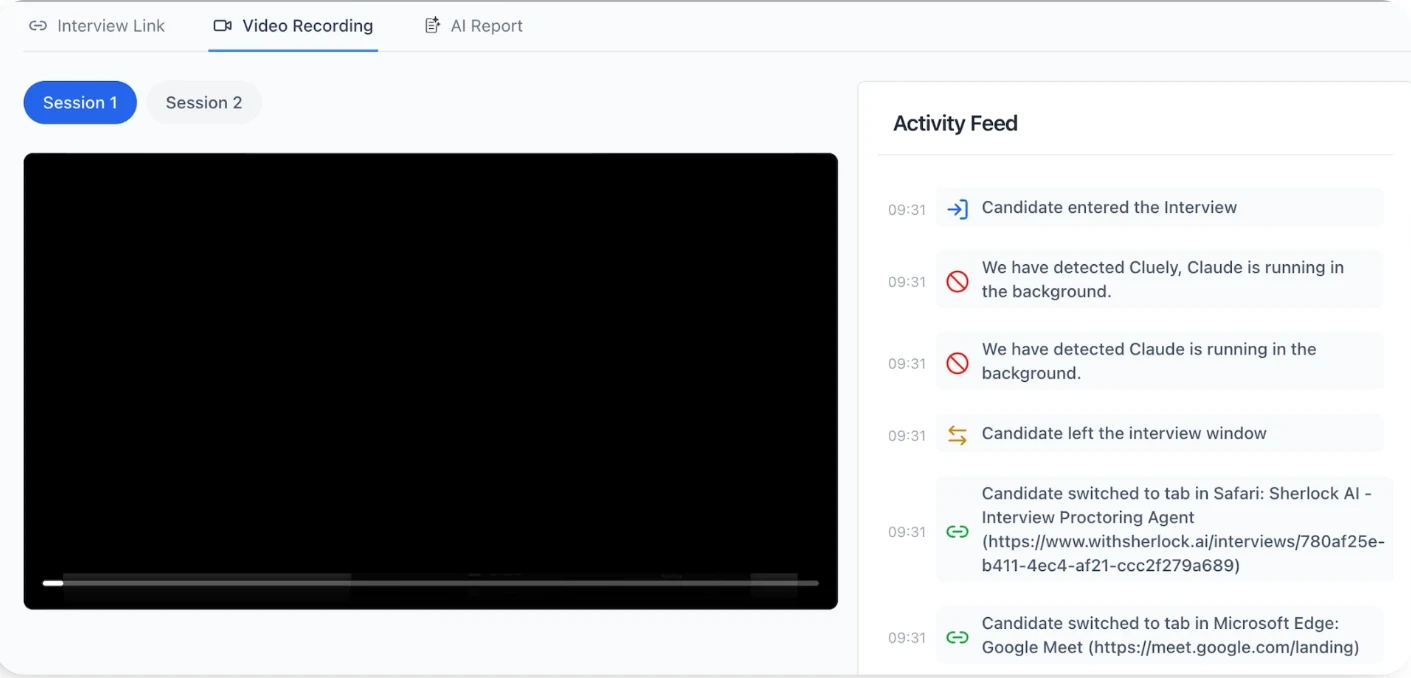
Second-device cheating is fundamentally hard to stop because it happens outside the primary interview screen. Phones, tablets, and hidden laptops don’t trigger tab-switch alerts or browser warnings. This is exactly the gap Sherlock AI is built to close.
Sherlock AI focuses on how candidates behave, respond, and interact, allowing it to detect second-device usage even when the device itself remains hidden.
How Sherlock AI Solves the Second-Device Problem
Behavioral Pattern Detection:
Sherlock AI identifies repeated gaze shifts, unnatural pauses, response delays, and attention splits that are commonly associated with candidates consulting a second device.Response Timing & Latency Analysis:
It tracks micro-delays between questions and answers to spot consistent timing patterns typical of candidates reading AI-generated or externally supplied responses.AI-Generated Answer Recognition:
Sherlock AI analyzes linguistic structure and entropy to detect when answers resemble AI-generated output.Audio & Interaction Monitoring:
Flags suspicious audio behavior, such as muted mic patterns, unnatural speech pacing, and anomalies that suggest prompts are being received through earbuds or other hidden channels.Sudden Performance Shift Detection:
Identifies cases where candidate performance dramatically improves mid-interview, a common indicator that a second device or external help has been introduced.Session Integrity Risk Scoring:
Instead of binary pass/fail rules, Sherlock AI assigns dynamic risk scores based on multiple signals, allowing recruiters to review high-risk sessions with confidence.Post-Interview Forensics:
Enables deeper review using answer similarity detection, behavioral replay, and pattern matching across interviews to uncover repeat or coordinated misuse.
Why Sherlock AI Works Where Traditional Proctoring Fails
Traditional interview monitoring assumes cheating happens on the same device.
Second-device cheating breaks that assumption.
Sherlock AI does not need to “see” the phone, tablet, or hidden laptop, it detects the behavioral and response-level footprint those devices inevitably leave behind.
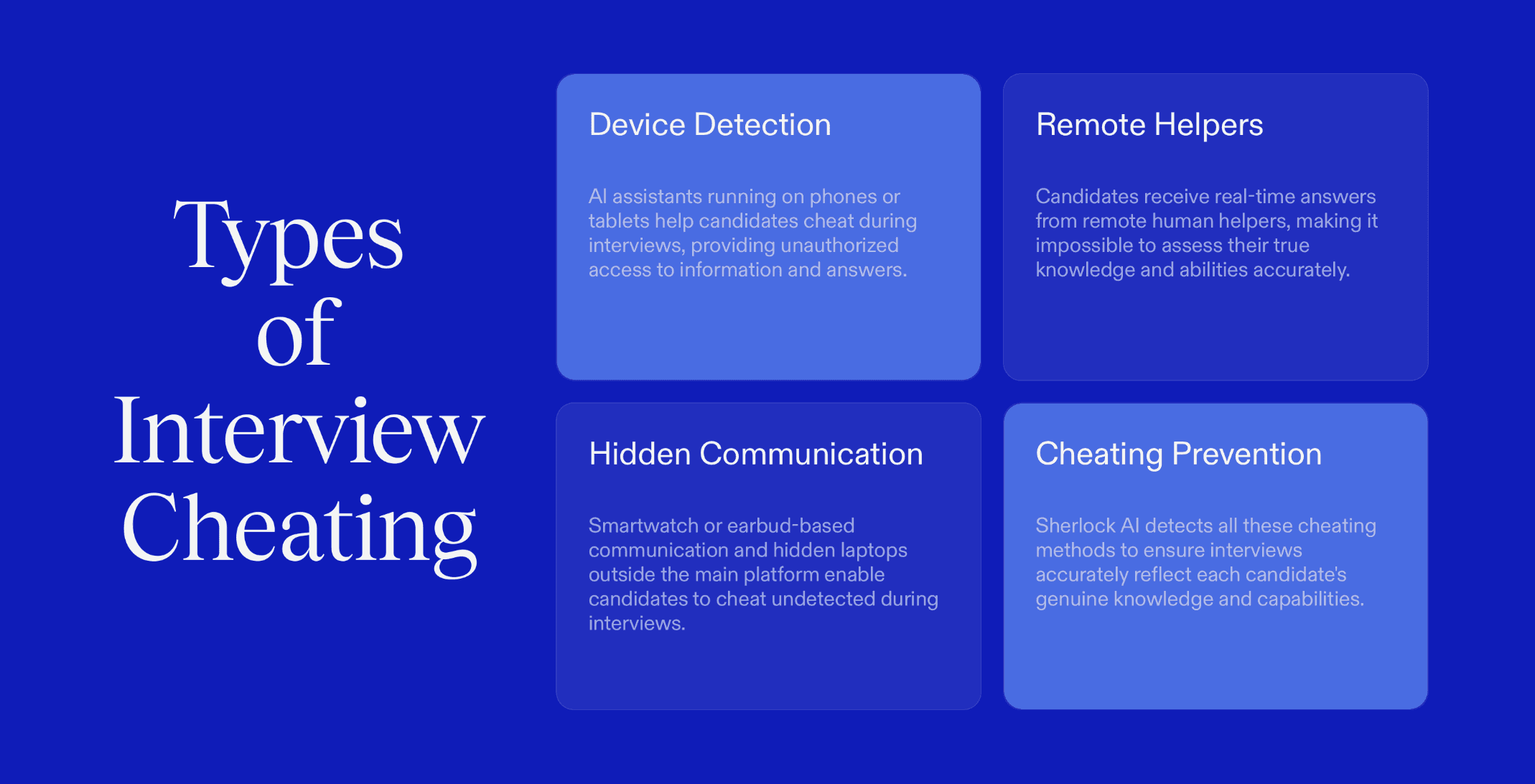
This makes Sherlock AI uniquely effective against:
AI running on phones or tablets
Remote helpers feeding answers
Smartwatch or earbud-based prompts
Hidden laptops operating outside the interview platform
The Outcome for Recruiters
With Sherlock AI, recruiters move from reactive suspicion to evidence-driven detection, protecting interview integrity without intrusive surveillance or degrading candidate experience.
In a hiring landscape where second-device cheating is becoming normalized, Sherlock AI ensures that talent, not technology misuse, determines who gets hired.
Conclusion
Second-device cheating has quietly become one of the hardest forms of interview fraud to detect, precisely because it happens off-screen. Phones, tablets, and hidden devices allow candidates to bypass traditional monitoring without ever triggering obvious alerts. But while the device may remain invisible, its impact never is.
Recognizing behavioral patterns, timing anomalies, and response inconsistencies by using AI-powered solutions like Sherlock AI, recruiters can stay ahead of this growing threat. In a remote-first hiring world, protecting interview integrity now depends on understanding behavior, not just watching screens.